PRODUCT DOCUMENTATION
Build with Claude Code or Codex.
Connect your coding agent to the business context and permitted records in your instance. Build, preview and release on Turbobase.
App-building guide↗


Technical guidance for building on Turbobase: connect your systems, give your AI tools context, and take an application through to release.
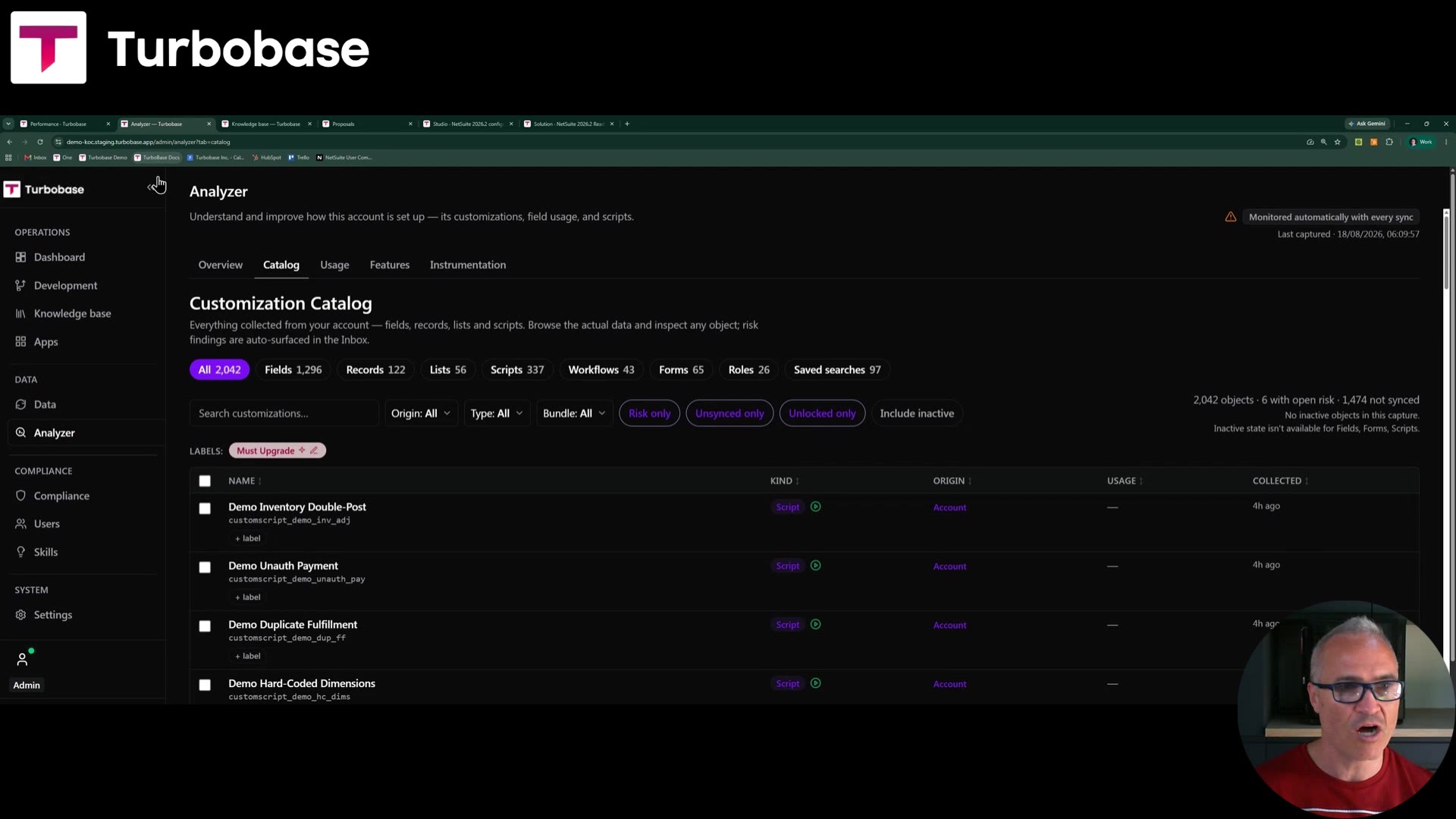 Watch the work happen 3:26 · Captioned
FROM RELEASE NOTES TO A PLAN
Watch a NetSuite 2026.2 review go from release notes to an action list and test plan for the account in the demo.
Watch the walkthrough →Start with the technical guidance, see the product at work, or explore the thinking behind it.
14 resources
Connect your coding agent to the business context and permitted records in your instance. Build, preview and release on Turbobase.
Expose permitted records and published business knowledge through MCP. Set read and write access separately.
Use conduits to transform and route records between supported sources, with explicit rules and failure handling.
Check setup requirements, available records, refresh timing, and write limits before planning the workflow.
Use fixtures, replay, and sandbox checks to test the cases your workflow needs to handle.
Review the deployment plan and environment differences before promotion. Understand the limits of recovery.
The questions an app needs to answer before it can do useful work in your business.
Document the account and establish a baseline before your first change.
Work out which changes affect your account and who needs to act.
Find out what still runs and what depends on it before you delete anything.
Work through records, scripts, and integrations to investigate what went wrong.
Watch the review become an action list and test plan for a specific account.
The business decisions inside an instance matter as much as the software around them.
Answer five questions. See the gaps in what you know and build a deprecation calendar.
Try a broader term or clear the filters.
Find the gaps in what you know about your scripts. Then use the guide to work out what needs attention next.
Use the product documentation for setup, supported interfaces and operational guidance. The library brings together walkthroughs and practical context.
For a new app, start with the AI development guides. For an inherited system problem, start with diagnostic capabilities. For a transition, review migration planning.